If you manage a fleet of trucks, trailers, or heavy construction equipment, you already know the daily chaos—missed oil changes, paper work orders that vanish, reactive repairs that cost 4–5x more than planned maintenance, and the constant stress of staying DOT compliant. A Computerized Maintenance Management System (CMMS) is the digital backbone that replaces all of that with automated, trackable, and audit-ready workflows. In this 2026 guide, we break down exactly what CMMS software is, how it works for heavy vehicle fleets, the features that matter most, and why inspection-first platforms deliver results that general-purpose tools simply cannot. Whether you run 10 trucks or 200 mixed assets, this guide will help you make a smarter choice. Sign up for HVI to experience CMMS built specifically for heavy vehicles, or book a demo to see it in action.
What Is CMMS Software?
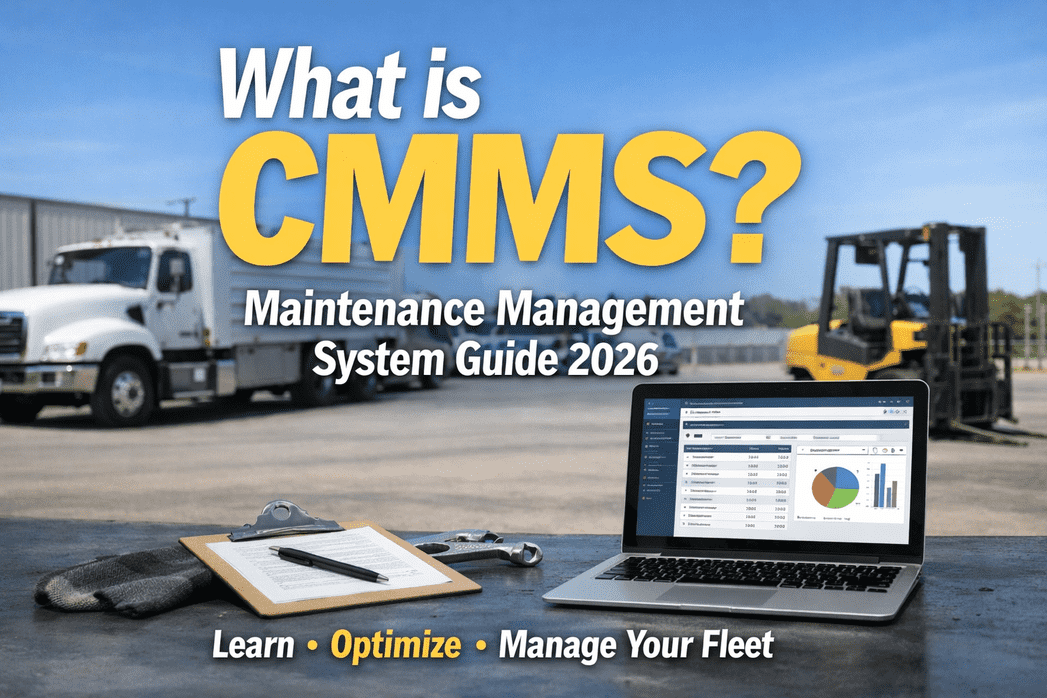
A Computerized Maintenance Management System (CMMS) is software that centralizes all your maintenance data—work orders, asset histories, inspection records, parts inventory, and compliance documentation—into one accessible digital platform. Instead of relying on spreadsheets, paper logs, or a mechanic's memory, a CMMS automates scheduling, tracks every repair, and gives fleet managers real-time visibility into vehicle health and operational costs.
How Does a CMMS Actually Work?
Think of CMMS as the central nervous system of your fleet's maintenance operation. Every asset, every work order, every inspection, and every part flows through one connected system. Here is the typical workflow a CMMS automates for heavy vehicle fleets:
Every truck, trailer, and piece of equipment is entered with its specs, VIN, service history, and maintenance triggers.
The CMMS generates PM work orders automatically when mileage, hours, or calendar thresholds are reached.
Drivers complete DVIRs on mobile devices with photo verification, GPS stamps, and guided checklists.
Generate audit-ready reports, cost-per-mile analysis, and fleet health dashboards—instantly available.
Technicians log repairs, parts used, labor time, and costs—building a permanent history per vehicle.
Any defect flagged during inspection auto-generates a prioritized work order and alerts the team.
Want to see this workflow in action on your own fleet? Start your free HVI trial—it takes under 10 minutes to set up, no hardware required.
6 CMMS Features That Matter Most for Heavy Fleets
General-purpose CMMS tools were built for factories and facilities. Heavy vehicle fleets need features designed for the realities of construction sites, long-haul routes, and DOT compliance. Here are the six capabilities you should prioritize:
Digital DVIR & Inspections
FMCSA-compliant driver vehicle inspection reports with guided checklists, photo/video documentation, GPS timestamps, and automatic DVIR generation per 49 CFR 396.11 requirements.
Preventive Maintenance Automation
Auto-generated work orders triggered by mileage, engine hours, or calendar intervals. Supports different PM schedules for different asset types—trucks on miles, excavators on hours, trailers on calendar.
Work Order Management
Complete lifecycle tracking from request to completion. Captures parts used, labor time, costs, and technician notes—building a permanent repair history per vehicle for lifecycle decisions.
DOT/FMCSA Compliance
Annual inspection tracking, document retention management, CSA score monitoring, ELD integration, and one-click audit-ready exports. Purpose-built compliance tools pay for themselves by preventing violations.
Mobile-First & Offline Capable
A native mobile app that works without cell service—critical for construction sites and rural routes. Drivers complete inspections offline; data syncs automatically when connectivity returns.
Analytics & Cost Tracking
Cost-per-mile/hour analysis, fleet health dashboards, inspection compliance rates, maintenance spend trends, and repair-vs-replace insights that drive smarter decisions and budget control.
The Real Impact: Why Heavy Fleets Need CMMS
Numbers don't lie. Fleets that adopt CMMS see measurable improvements across every operational metric—from reduced breakdowns and lower costs to better compliance scores and higher vehicle uptime. Here is what the data shows:
Planned maintenance costs 4–5x less than emergency repairs. CMMS shifts your operation from reactive to proactive.
Automated PM scheduling and inspection-to-work-order pipelines catch developing issues before they strand drivers roadside.
Digital workflows eliminate lost paper tickets and miscommunication. Technicians get clear assignments with all context attached.
Most fleets reach positive ROI within the first quarter of CMMS deployment, driven by prevented breakdowns and reduced compliance penalties.
Ready to see how these numbers translate to your fleet? Book a free demo and get a custom ROI projection for your operation—no commitment required.
CMMS vs. Spreadsheets & Paper: A Clear Comparison
Many fleet managers still rely on spreadsheets, paper forms, or a combination of both. Here is a side-by-side look at how that approach compares to a purpose-built CMMS for heavy vehicles:
- Manual data entry—prone to errors, delays, and lost records
- No automatic PM reminders—relies on someone remembering
- Paper DVIRs invite "pencil whipping" with no photo proof
- Work orders communicated verbally or via sticky notes
- Compliance documentation scattered across filing cabinets
- No cost-per-vehicle tracking—total spend is a mystery
- Audit preparation takes days or weeks of scrambling
- Automated data capture with GPS, timestamps, and photo verification
- PM work orders auto-generated by mileage, hours, or calendar triggers
- Digital DVIRs with required photo proof eliminate inspection shortcuts
- Defects instantly create prioritized, trackable work orders
- All compliance docs centralized, searchable, and audit-ready
- Real-time cost-per-mile and TCO dashboards by vehicle
- Audit reports generated in one click with full documentation
CMMS for Every Type of Heavy Fleet
One of the biggest advantages of a heavy-vehicle CMMS like HVI is its ability to handle diverse asset types within the same fleet—each with different maintenance triggers, inspection requirements, and compliance standards.
Commercial Trucks
Mileage-based PM schedules, DOT annual inspection tracking, DVIR compliance, ELD integration, and CSA score protection. Built for over-the-road and regional trucking operations.
Construction Equipment
Engine-hour-based PM triggers, harsh-environment maintenance adjustments, fluid analysis tracking, and OSHA compliance documentation for excavators, loaders, dozers, and cranes.
Buses & Transit
Calendar-based and mileage-based hybrid scheduling, passenger safety inspections, ADA compliance tracking, and multi-route asset management for school, transit, and charter fleets.
Trailers & Attachments
Calendar-based DOT inspections, brake and tire tracking, registration/certification management, and coupling-point inspection checklists for dry vans, flatbeds, and reefers.
Managing a mixed fleet with different asset types? HVI handles trucks, equipment, trailers, and buses in one platform with customized inspection templates for each. Sign up free and configure your first multi-asset fleet in minutes.
Why HVI Is the Right CMMS for Your Heavy Fleet
Most CMMS platforms were designed for factories, facilities, or consumer vehicle fleets. HVI was purpose-built for the unique demands of heavy-duty operations—where inspection quality determines compliance outcomes, and every missed defect is a potential roadside violation, breakdown, or safety incident.
Unlike platforms that bolt inspections on as an afterthought, HVI was built around the inspection-to-maintenance pipeline. Defects flow directly to prioritized work orders with zero manual steps.
DVIR generation per 49 CFR 396.11/396.13, annual inspection tracking per 49 CFR 396.17, document retention management, and audit-ready exports are native features—not paid add-ons.
Required photo documentation with GPS timestamps eliminates pencil whipping and provides indisputable proof of inspection thoroughness during DOT audits.
Construction sites and rural routes often lack cell service. HVI's app works fully offline—inspections, photos, and all—and syncs automatically when connectivity returns.
No hardware installation, no IT project, no months-long implementation. Download the app, configure your templates, and start inspecting. Drivers need minimal training.
Frequently Asked Questions
Start Managing Your Fleet the Smart Way
Stop losing money to missed maintenance intervals, paper-based inspections, and reactive repairs. HVI gives you a purpose-built CMMS for heavy vehicles—with digital DVIRs, automated work orders, DOT compliance tools, and real-time fleet visibility. Set up in under 10 minutes. No hardware required. No credit card needed.
Join the growing number of fleet managers replacing spreadsheets with inspection-first CMMS