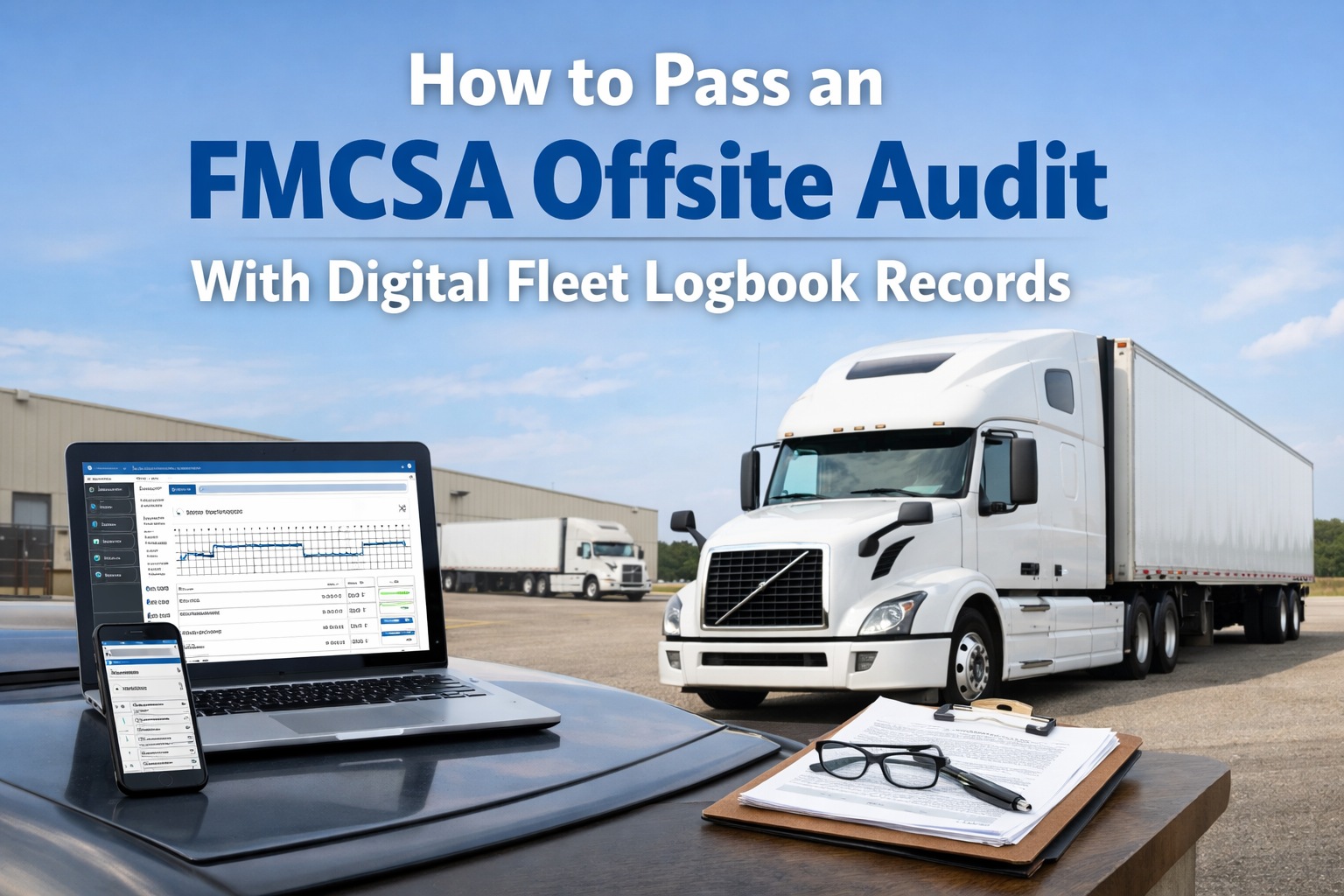
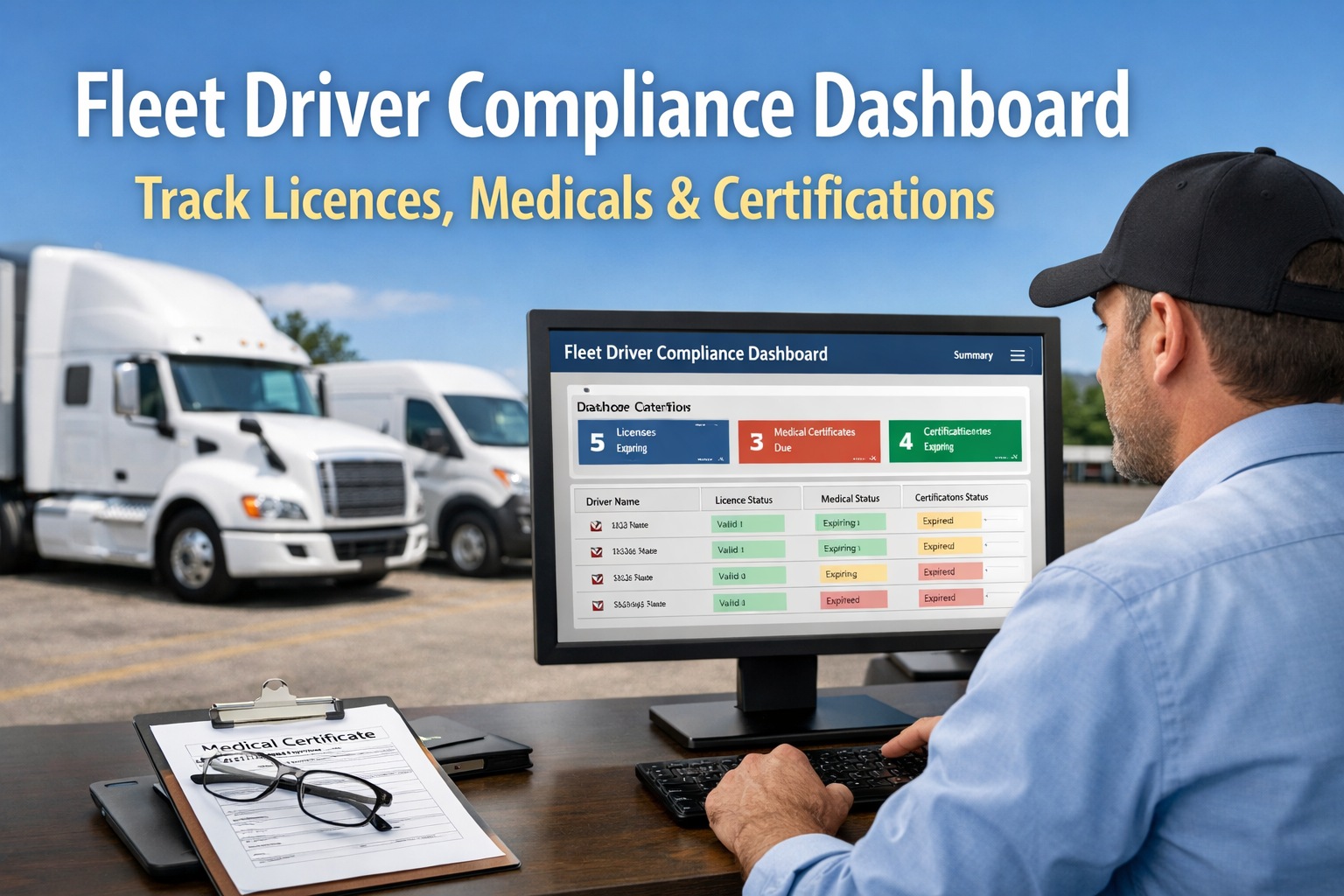
Over 50% of all FMCSA compliance reviews are now conducted offsite — up from just 2% in 2018. When the audit notice arrives by phone or email, you typically have a tight deadline to upload every document the investigator requests through the FMCSA portal or New Entrant Audit System (NEWS) via Login.gov. The investigator reviews everything remotely and judges your compliance based entirely on what you submit. There is no in-person opportunity to explain missing paperwork, no chance to clarify a confusing record, and no ability to retrieve a document you forgot. If it is not in your digital submission, it does not exist in the auditor's eyes. This is where paper-based and spreadsheet-based fleet operations fail — and where digital fleet logbook records become the difference between passing cleanly and receiving a Corrective Action Plan (CAP) or worse. Only 7% of carriers pass DOT audits without a single violation; the other 93% face average penalties of $7,155 per case, with severe gaps exceeding $125,000. Passing an offsite audit in 2026 is a discipline — one that starts long before the notice arrives and depends entirely on whether your fleet logbook records are digital, organized, timestamped, and instantly retrievable. HVI's digital fleet logbook system is built for this exact scenario: every DVIR, every repair, every PM, every driver qualification document — timestamped, audit-ready, and exportable in minutes instead of days.
The Offsite Audit: What You Are Actually Up Against
Before preparing for an offsite audit, you need to understand what it actually involves — and how it differs from the traditional onsite review many fleet managers still imagine.
How You Get Notified
Phone call or email from an FMCSA investigator — sometimes with only 48 hours to begin responding. Written follow-up includes the document list and portal upload instructions.
How Long It Takes
Offsite audits generally complete within 2 weeks. The investigator reviews submissions, calls with follow-up questions, and issues findings — all remotely.
Where You Submit
FMCSA portal (Safety Measurement System or NEWS), secure file upload, or in some cases email or fax. Login.gov authentication required for most submissions.
What They See
Only what you upload. No opportunity to walk the auditor through records or explain gaps. If a document is not in your submission, it counts as missing.
The 7 Document Categories the FMCSA Will Request
Every offsite audit request covers the same core document categories — though the specific items and retention periods vary. Prepare each one as a complete, organized digital package.
01
Driver Qualification Files (DQF)
One complete file per driver operating under your DOT number. Must include: signed 3-year employment application, MVRs from every state (pre-hire + annual), current Medical Examiner's Certificate, CDL copy, pre-employment Clearinghouse full query, prior employment verifications for 3 years, road test or equivalent. DQF issues account for 12% of all FMCSA citations. Retention: 3 years post-termination.
02
Hours of Service & ELD Records
Typically one full month of ELD logs for one driver from the last 6 months — plus supporting documents (fuel receipts, dispatch records, toll receipts, BOLs) that must align with recorded duty status. Investigators look for ELD records that match supporting documents; mismatches indicate falsification. Retention: 6 months minimum.
03
Drug & Alcohol Testing + Clearinghouse
Proof of active testing program (50% random drug / 10% random alcohol in 2026), pre-employment full queries, annual limited queries for all CDL drivers, Clearinghouse consent forms, positive test reporting documentation (24-hour reporting window), and SAP program records. No program = automatic audit failure. Retention: 5 years for positive results, 1 year for negatives.
04
Vehicle Inspection & Maintenance Records
DVIRs (3 months minimum retention), annual DOT inspection reports (14 months retention), PM schedules with completion records per vehicle, repair invoices, parts records, and technician sign-offs. Every defect-to-repair chain must be documented completely. Retention: 12 months minimum for maintenance; 6 months post-vehicle-disposal.
05
Accident Register
Complete record of all DOT-reportable crashes: date, location, driver name, vehicle ID, fatalities, injuries, tow required, citation issued, and supporting police reports. Must include even preventable crashes that didn't result in injuries. Retention: 3 years from accident date.
06
Insurance & Operating Authority
Current proof of insurance meeting minimum liability ($750K general freight vehicles over 10,001 lbs GVWR; $1M–$5M hazmat/passenger), BOC-3 process agent filing, UCR filings, MC-90 form, operating authority documentation, and IFTA/IRP credentials if applicable.
07
Safety Policies & Training Records
Written safety policies (HOS, drug & alcohol, DVIR procedures, accident reporting), driver training documentation, ELD user training certificates, hazmat training if applicable, and evidence of policy communication to drivers. Policies must match actual operations — auditors check for consistency between written policy and documented practice.
The 6-Step Offsite Audit Preparation Process
Whether you have been notified of an upcoming audit or want to be prepared before one ever comes, follow this six-step process. Start now if you have not already — carriers who wait until the notice arrives face document scrambles that produce incomplete submissions.
Step 1
Timeline: Immediately upon notification
Read the Request Letter Carefully & Confirm Deadlines
When the FMCSA notice arrives, read every line. Note the exact documents requested, the submission format required (portal upload, email, etc.), the driver(s) and vehicle(s) selected for record review, the specific date ranges requested, and the submission deadline. Contact the investigator immediately if you need clarification — do not guess. Missing a deadline without communication can trigger enforcement action.
Action: Create a document checklist from the request letter. Mark each item as "ready," "needs assembly," or "gap to fix" before doing anything else.
Step 2
Timeline: Days 1–3
Generate Your Complete Digital Audit Package
In HVI, navigate to the audit export function and generate a complete compliance package for the date range requested. Export DVIRs, annual inspections, PM records, maintenance history, defect-to-repair chains, and driver activity — all timestamped with GPS data and digital signatures. This takes minutes in a digital system. In a paper or spreadsheet-based operation, this same step can consume days of manual assembly.
Action: Cross-reference the export against the FMCSA request list. Every requested item should have a corresponding digital document with clear naming.
Step 3
Timeline: Days 3–5
Fill Gaps with Targeted Remediation
Any gaps identified in Step 2 need immediate attention. Missing medical certificate? Contact the driver to resubmit. Incomplete DQF? Request missing documents from the driver or previous employer. Missing Clearinghouse query? Run it immediately. Missing DVIR for a specific date? Document the reason (vehicle not in service, driver on leave, etc.) rather than fabricating — investigators detect falsified records easily.
Action: For gaps that cannot be fully closed before submission, prepare a short written explanation documenting what happened, what corrective action was taken, and what process prevents recurrence.
Step 4
Timeline: Days 5–7
Organize, Name & Index Every File
Precise file naming is critical. Use consistent format: DriverLast_First_DocType_Date.pdf (e.g., "Rodriguez_Carlos_MedCard_2026-01-10.pdf"). Include a short read-me index document that maps each requested item to the specific file name. Auditors reviewing offsite submissions have no way to ask "where is X?" — the structure of your submission has to answer that question immediately.
Action: Group related files together (all DQF items per driver in one subfolder; all vehicle maintenance records per unit in one subfolder). Include the index at the top level of the submission.
Step 5
Timeline: Before submission deadline
Submit Through the Correct FMCSA Portal
For New Entrant audits, upload through the New Entrant Audit System (NEWS) via Login.gov. For compliance reviews, use the Safety Measurement System (SMS) portal. You need your USDOT Number PIN (not the Docket Number PIN). If you are experiencing PIN issues, call 1-800-832-5660 well before the deadline. Retain confirmation of every upload and every email exchange.
Action: Submit at least 24 hours before the stated deadline. Portal issues, file size limits, or upload errors are your responsibility — not the investigator's.
Step 6
Timeline: During 2-week review window
Respond Quickly to Follow-Up Questions
The investigator may call or email during the review with clarifying questions or requests for additional documents. Respond within hours, not days. Quick, clear responses demonstrate organized operations; delays signal disorganization that investigators factor into their findings. Keep a log of every communication — date, time, topic, and resolution — for your records.
Action: Designate one person as the audit point-of-contact during the review period. Split responses across multiple people create inconsistencies that hurt your case.
Why Digital Fleet Logbook Records Change Everything
The difference between fleets that pass offsite audits and those that fail comes down to one factor: whether their records exist as organized, searchable, timestamped digital files — or as paper in file cabinets and data in scattered spreadsheets.
Retrieval Time
Days of manual assembly
Minutes — single export
Completeness
Gaps discovered during audit
Gaps flagged before audit
Timestamp Integrity
Handwritten dates — questionable
System-timestamped with GPS
Defect-to-Repair Chain
Often broken or undocumented
Unbroken digital audit trail
Signatures
Illegible, sometimes missing
Digital with identity verification
Expiration Tracking
Manual — expired items common
Automated alerts at 60/30/7 days
Cross-Reference Verification
Impossible at scale
AI cross-checks documents automatically
Audit Pass Rate
Well below 7% clean-pass rate
Substantially above average
The Most Common Offsite Audit Failure Points
These are the specific failures that most frequently cause offsite audits to result in Corrective Action Plans or worse. Book a demo to see how HVI prevents each one.
Expired Medical Certificates
35% of audit violations
The single most common audit finding. A driver's medical certificate expired 3 days ago or 3 months ago — either way, every mile driven after that date is a violation.
Missing Pre-Employment Clearinghouse Queries
12% of FMCSA citations
Every CDL driver must have a pre-employment full query on file before first safety-sensitive duty. Missing queries are treated as if the driver was never properly qualified.
Incomplete DQF Documentation
DQF issues = 12% of citations
Missing 3-year employment history, no annual MVR review, missing prior employer safety verifications — each gap is a separate violation.
HOS-ELD Data Inconsistencies
62% of citations in HOS category
ELD records that don't match supporting documents (fuel receipts, dispatch records, toll data) are treated as potential falsification — a severe finding.
Broken Defect-to-Repair Chains
Common 49 CFR 396.3 violation
DVIR flagged a defect but no corresponding repair work order exists, or the next driver took the vehicle out before repair certification — breaks the compliance chain.
Drug & Alcohol Program Gaps
Automatic fail if absent
No active testing program, insufficient random testing rates, unreported positive results, or missing SAP documentation — any one of these is grounds for automatic audit failure.
The Audit Is Won Before the Notice Arrives
Passing an FMCSA offsite audit is not about heroic last-minute document assembly — it is about operating a fleet where every inspection, every repair, every driver qualification document, and every compliance record is continuously maintained in a digital system that makes audit preparation a button click instead of a month-long scramble. When your fleet logbook records are digital, timestamped, cross-referenced, and searchable, the audit notice becomes an annoyance rather than a crisis. HVI delivers this capability — integrating DVIRs, maintenance records, driver qualification tracking, and compliance documentation on one platform built specifically for heavy vehicle fleets facing FMCSA oversight. The fleets that join the top 7% of carriers passing audits without a single violation are not lucky — they are running their compliance operations on infrastructure that makes audit readiness continuous. Start free and build your audit-ready fleet logbook today — long before the FMCSA comes knocking.
Pass Your Next FMCSA Offsite Audit with Confidence
Digital DVIRs. Audit-ready exports. Automated expiration alerts. Complete defect-to-repair chains. All on one platform — trusted by 25,000+ users worldwide.
Frequently Asked Questions
Q: How much time do I have to respond to an offsite audit notice?
FMCSA typically gives carriers specific deadlines stated in the notice — often as short as 48 hours to begin responding, with full submission within 1–2 weeks. The entire audit process (from notice to findings) generally completes within 2 weeks. Contact the investigator immediately if you need clarification on timing — missed deadlines without communication can trigger enforcement action.
Q: Can a digital fleet logbook fully replace paper records for FMCSA compliance?
Yes. FMCSA Final Rule Docket FMCSA-2025-0115, effective March 23, 2026, explicitly authorizes electronic DVIRs under 49 CFR 396.11 and 396.13. Electronic records have been permissible under 49 CFR 390.32 since 2018, and the 2026 rule removes all remaining ambiguity. Digital fleet logbooks with timestamped, signature-verified records are the preferred standard.
Try HVI free.
Q: What happens if I fail an offsite audit?
Depending on severity, consequences range from a Corrective Action Plan (CAP) requiring specific fixes within a deadline, to a Conditional safety rating, to an Unsatisfactory rating that can revoke operating authority. For new entrants, failure can result in immediate revocation. Average penalties are $7,155 per case, with severe findings reaching $125,000+. Most CAPs are achievable with focused remediation — but repeat failures escalate quickly.
Q: What ELD data does the FMCSA typically request during an audit?
Typically one full month of ELD logs for one specific driver from the last 6 months, plus supporting documents (fuel receipts, dispatch records, toll data, bills of lading) that should align with the recorded duty status. Investigators check for consistency between ELD records and supporting documents — mismatches are treated as potential HOS falsification, which is a severe finding.
Book a demo to see HVI's ELD integration.
Q: How quickly can HVI generate an audit-ready package?
Most audit export functions complete in under 10 minutes — pulling DVIRs, annual inspections, PM records, maintenance work orders, defect-to-repair chains, and driver activity for any requested date range into a properly organized, timestamped digital package. What takes days of manual assembly in paper-based operations takes minutes in HVI. This is the single largest operational advantage of running digital fleet logbook records before the audit notice arrives.