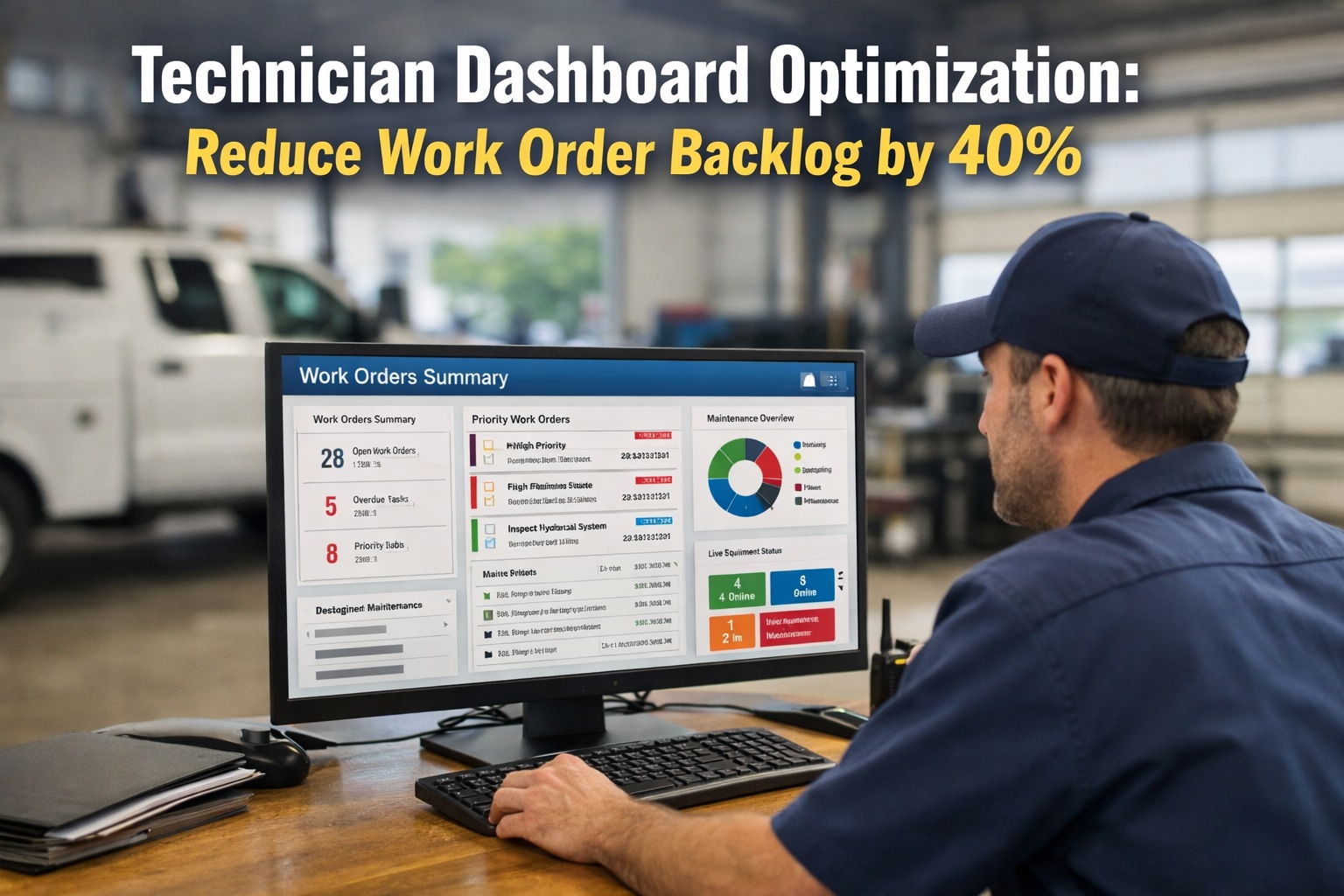
Your best technician just spent 35 minutes hunting for a work order that should have taken 5. Meanwhile, two trucks sat idle in the bay, and three driver-reported defects waited unassigned because nobody saw them come in. This is not a people problem — it is a dashboard problem. In most fleet shops, technicians spend 15–25% of their shift on paperwork, manual time logging, and hunting for information instead of turning wrenches. Safety-critical work orders get queued alongside routine oil changes because there is no visible priority ranking. Parts arrive mid-job because the work order never flagged what was needed upfront. And the work order backlog keeps growing — not because the team is slow, but because the system they work with does not surface the right job at the right time. A redesigned technician dashboard changes this by putting every technician's prioritized task queue, complete vehicle history, parts availability, and labor logging on a single mobile screen — the way it should have worked all along. HVI's enhanced technician dashboard delivers measurable results: up to 40% reduction in work order backlog, 40% shorter repair times, and the shift from reactive chaos to organized throughput that every shop is trying to achieve.
Why Work Order Backlogs Explode
A backlog is not usually caused by slow technicians — it is caused by invisible friction between when a job is reported and when a technician can actually start working on it. Here are the four friction points that cause most backlogs.
Technician arrives in the morning, checks a whiteboard or calls the supervisor, gets verbally assigned a job — then walks to the office to find the paperwork. Every morning starts with 15–30 minutes of "what am I working on?" before any actual work begins. Multiply across 10 technicians and you lose 2.5–5 productive hours per day to job discovery alone.
Without visible priority ranking, technicians default to the easiest or most familiar job — not the most urgent. Safety-critical brake repairs sit while routine oil changes get completed first because they are quicker wins. The backlog grows at the exact spots where it matters most: the vehicles that need to go back in service soonest.
Technician opens a work order, gets halfway through the repair, discovers a required part is out of stock. Job stops. Vehicle sits. Technician either waits, switches jobs (creating another half-done work order), or reorders parts at emergency premium rates — 35–60% above planned pricing. Parts discovery mid-job is the single biggest cause of stalled repairs.
End of shift, technicians sit down to fill out paper time sheets, transcribe notes from memory, and file repair documentation. This adds 30–60 minutes per technician per day — time during which no actual work happens. Worse, the documentation is often incomplete or inaccurate because it is written hours after the work occurred.
What an Optimized Technician Dashboard Looks Like
The redesigned technician dashboard is not a prettier version of the old interface — it is a fundamentally different approach to organizing a technician's day. Here is what every screen delivers.
Prioritized Task Queue
Login shows every assigned job ranked automatically — safety-critical at the top (red), standard repairs in the middle (amber), routine PMs below (green). Technicians see exactly what to work on first without asking. No supervisor interruptions, no whiteboard guesswork, no wasted movement.
Complete Vehicle Context
Full repair history, inspection photos from the DVIR that generated the work order, active fault codes, previous defect reports, and parts list — all visible on the technician's phone before they walk to the bay. No more searching file cabinets or phoning dispatch for vehicle context.
Pre-Matched Parts Availability
When a work order is created, HVI cross-references required parts against live inventory — showing what is in stock at which location before the technician opens the job. Parts pulled and staged before the repair starts. No more mid-job parts discovery. No more emergency rush orders at 35–60% premium.
Auto-Logged Labor Hours
Labor hours captured automatically as technicians move between "In Progress" and "Complete" states. No paper timesheets, no end-of-shift documentation marathon. MTTR data feeds directly into fleet KPIs without anyone filling out a form. 30–60 minutes per technician per day returned to actual work.
Mobile-First Offline Capability
Every function works on a phone or tablet. Technicians update work orders from anywhere in the shop — no walking back to a desktop. Offline mode keeps work flowing in connectivity dead zones. Photos, notes, and status changes sync automatically when back online.
The Backlog Reduction Math: Where 40% Comes From
The 40% work order backlog reduction is not marketing — it is the result of compounding improvements across each step of the maintenance workflow. Here is exactly where the gains come from. Start free with HVI and measure the improvements on your own shop within 60 days.
Job Discovery Time
15–30 min per shift start
0 min (queue visible on login)
2.5–5 hrs/day recovered
Parts Wait Time
20–40% of jobs stalled mid-repair
<5% (parts pre-staged)
Stalled jobs down 75%
Documentation Time
30–60 min per technician per day
Auto-logged, minimal manual entry
5–10 hrs/week per tech
Priority Misallocation
Critical jobs delayed by easier ones
Auto-ranked by severity
Critical MTTR down 40%+
Information Hunting
15–25% of shift on non-wrench tasks
All context on mobile device
+1.5 productive hrs/tech/day
Work Order Backlog
2–4 weeks growing
Under 2 weeks stable
Backlog reduction: 40%
The Ripple Effects Beyond Backlog Reduction
Reducing work order backlog is not just about shop efficiency — it ripples through every fleet KPI. When technicians get to the right job faster with the right parts, everything downstream improves.
MTTR
Mean time to repair drops from industry average to world-class when the technician knows what to fix, has the parts, and logs hours automatically.
First-Time Fix Rate
Complete vehicle context and correct parts availability push first-time fix rates above 90% — eliminating the repeat repairs that drive backlog growth.
Planned vs. Reactive
When backlog clears, scheduled PMs stop getting displaced by emergencies. Every 10% shift from reactive to planned cuts emergency costs (3–9x higher) by a proportional amount.
Vehicle Availability
Shorter repair times = more vehicles in service. The 7.4% gap between average and top-quartile availability equals 27 extra operating days per vehicle per year.
Emergency Parts Spend
Parts pre-staging eliminates most emergency orders. Emergency parts typically cost 35–60% more than planned orders — direct savings on every work order.
Technician Productivity
Wrench time as a percentage of shift hours jumps when friction is removed. The same technicians complete more work without working more hours.
The Dashboard Is the Operating System
Every fleet shop that is stuck with growing backlogs, inconsistent MTTR, and mid-job parts surprises is not stuck because of their technicians — they are stuck because the system their technicians work with was not designed for how modern maintenance actually happens. An optimized technician dashboard puts every prioritized job, every piece of vehicle context, every part required, and every labor hour on a single mobile screen that a technician can operate with gloved hands before walking to the bay. HVI's enhanced technician dashboard delivers this — with the inspection-to-work-order chain that auto-generates jobs from DVIR defects, the parts inventory integration that stages parts before repairs start, and the mobile-first interface that keeps technicians turning wrenches instead of hunting information. The fleets achieving 40% backlog reduction, sub-4-hour MTTR, and 80:20 planned-to-reactive ratios are not working harder — they are running their shops on better infrastructure. Start free and give your technicians the dashboard they deserve.
Reduce Your Work Order Backlog by 40%
Prioritized task queues. Complete vehicle context. Pre-matched parts. Auto-logged labor. Mobile-first with offline capability. All on one platform — trusted by 25,000+ users worldwide.
Frequently Asked Questions
Q: How quickly will we see backlog reduction after implementing HVI?
Most shops see measurable backlog reduction within 30 days — primarily from eliminating job discovery delay and documentation overhead. Full 40% reduction typically materializes within 60–90 days as parts pre-staging, auto-logged labor, and prioritized queues compound across every work order.
Start free and measure the baseline vs. 60-day improvement on your own shop.
Q: Does HVI work for small shops, or is it only for large fleets?
HVI scales from 5-truck operations to 500+ vehicle enterprise fleets. Small shops benefit from the same dashboard optimization — prioritized queues, parts pre-staging, and auto-logged labor deliver proportional productivity gains regardless of shop size. Larger fleets benefit additionally from multi-location management and cross-shop benchmarking.
Book a demo to see configurations for your size.
Q: How does the dashboard handle priority ranking?
HVI auto-ranks work orders based on DVIR defect severity, vehicle criticality, and scheduled time windows. Safety-critical items (brakes, steering, tires) sit at the top in red. Standard repairs are color-coded amber. Routine PMs are green. Maintenance managers can override rankings when needed, but the default auto-ranking eliminates the most common source of backlog growth — critical work delayed by easier jobs.
Q: Does HVI integrate with parts inventory systems?
Yes. HVI connects to parts inventory to show live stock levels per work order requirement. When a job is created, required parts are cross-referenced against inventory — stocked items are pre-staged, low stock triggers reorder alerts, and cross-location transfers are flagged before emergency purchases. This is the single largest contributor to backlog reduction in most shops.
Q: Can technicians use the dashboard offline?
Yes. HVI's mobile app supports full offline functionality — technicians can view work orders, update status, log hours, capture photos, and record repair notes without cellular connectivity. All data syncs automatically when the device reconnects. This is essential for shops in rural areas, large yards with spotty WiFi, or remote field service operations.