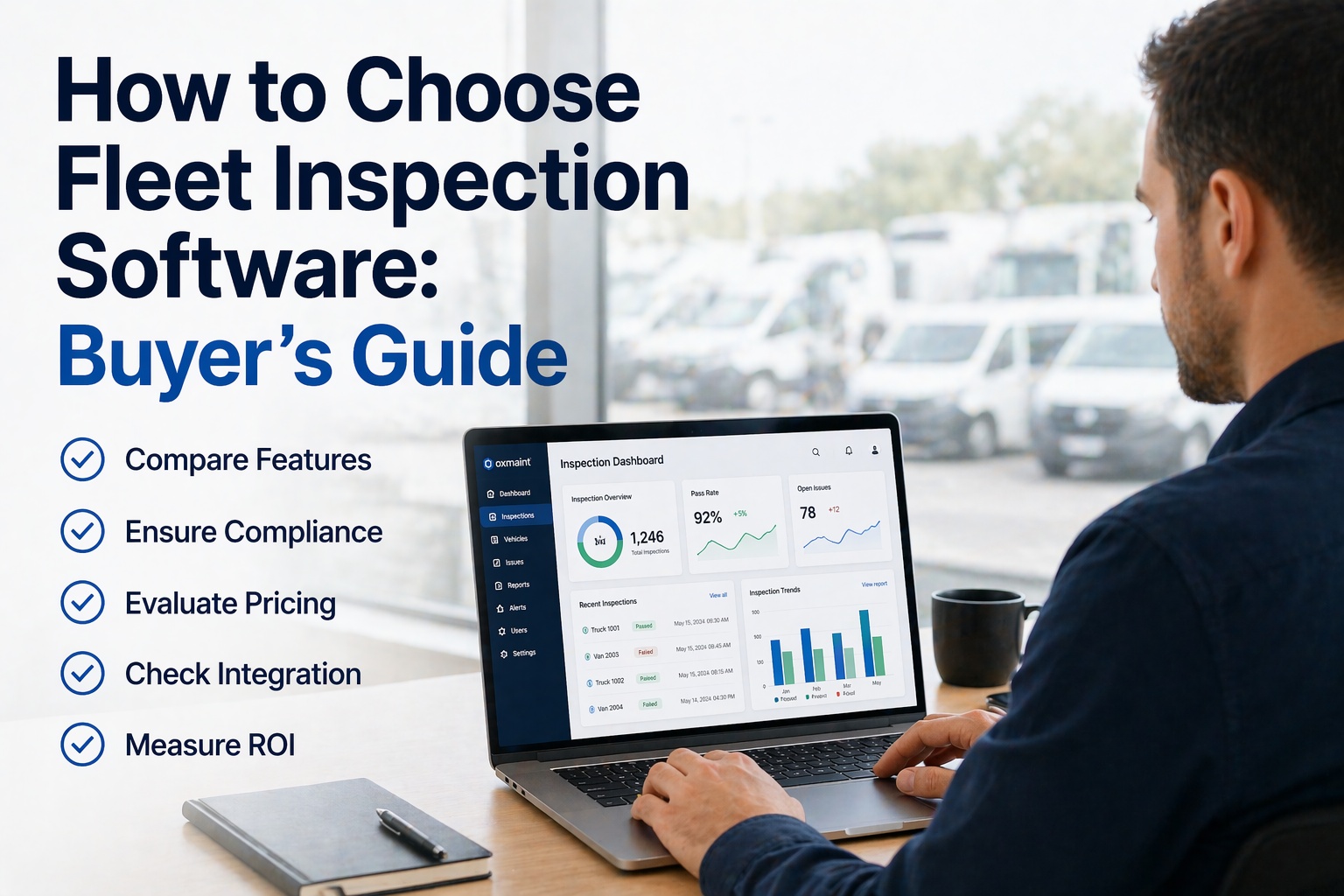
The fleet inspection software market has over 200 platforms competing for your contract in 2026 — and most of them look identical in a 30-minute demo. The real differences surface only after you sign: hardware requirements you didn't notice in the quote, auto-renewing 3-year contracts, per-user pricing that escalates as your team grows, and feature limitations that force a second subscription six months in. Industry data from over 1,700 fleet software buyers shows 52% run fleets of 9 vehicles or fewer, yet most enterprise platforms price and configure for fleets 10x that size — leaving small and mid-size operations paying for unused capacity. The right fleet inspection platform costs between $3 and $50 per vehicle per month depending on what you actually need, and choosing the right price tier is only the beginning of evaluation. This buyer's guide walks through the 7-step selection process, a 10-point scorecard every evaluator should apply, pricing by fleet size, the hidden costs that inflate first-year bills by 20-40%, and the red flags that indicate a vendor will cost more over three years than its sticker price suggests. Book a free 30-minute HVI demo to run your evaluation against a platform built for heavy vehicle inspection, or start a free HVI trial and test with your actual fleet data.
Step 1 — Start with your actual operational problem
The biggest selection mistake is buying features instead of solving problems. Industry data from over 1,700 fleet buyers shows that only 27% specifically prioritize maintenance functionalities when shopping — meaning most buyers define their needs after seeing a demo, not before. Before evaluating any vendor, write down the top three operational pains your fleet experiences weekly.
Step 2 — Know the real 2026 pricing bands
Fleet inspection and management software pricing ranges from $3 to $50+ per vehicle per month, with three clearly defined tiers. Match your fleet size to the right tier — paying for enterprise features on a 20-vehicle fleet is as wasteful as trying to run a 500-vehicle operation on entry-level tools.
- Digital DVIR with photo capture
- Basic PM scheduling
- Work order creation & tracking
- Driver mobile app
- 90-day record retention
- CSV export for audits
- Everything in Entry tier, plus:
- Enforced 3-signature chain
- GPS tracking & geofencing
- PM automation by mileage/hours/calendar
- Parts inventory & PO-to-WO linkage
- CSA score tracking & analytics
- Multi-location dashboards
- Fleet-wide reporting
- Everything in Mid-Tier, plus:
- Custom workflow configuration
- Full API access & integrations
- AI predictive maintenance
- ELD / telematics / ERP bundling
- Dedicated customer success manager
- Custom SLA guarantees
- SSO & role-based permissions
Step 3 — Watch for the hidden costs that inflate year-one bills
The per-vehicle monthly price tells you less than half the story. Industry analysis shows hidden charges inflate total cost by 20-40% in the first year. Here are the six cost traps that catch unprepared buyers.
GPS devices, OBD-II dongles, hardwired telematics units. Some vendors bundle into monthly fees; others require separate purchase. A "$15/vehicle" platform with $150 hardware can cost more than "$25/vehicle" with no hardware.
Professional installation fees for hardwired systems. Self-installation may void warranties. Heavy-duty vehicles often require premium-rate wiring.
Professional services, data migration from legacy systems, custom configuration, training sessions — often invoiced separately from the monthly subscription.
Enterprise platforms frequently require 3-year minimum contracts with auto-renewal clauses. Locks in pricing but also locks in shortcomings — if needs change, exit is costly.
Some vendors charge per user alongside per vehicle. A 50-vehicle fleet with 75 drivers can face double billing. Always ask for "everything included" pricing.
Connections to ELD providers, fuel cards, accounting systems, or existing CMMS can carry separate setup or licensing costs, especially on enterprise platforms with proprietary connectors.
Step 4 — Score vendors on the 10 must-have capabilities
Use this 10-point scorecard on every platform you evaluate. Each capability is a direct driver of inspection quality, audit readiness, or operational efficiency. Score 1-5; any platform below 35 total is not enterprise-grade, regardless of sticker price.
Platform blocks vehicle dispatch until all three signatures (driver, mechanic, next driver) are captured. Non-negotiable.
Inspections complete at dead zones and remote yards. Data syncs on reconnection. Required for fleets outside dense urban coverage.
Camera integration for defect documentation. Geotagged, timestamped photos for audit evidence and litigation defense.
Defect reported = work order auto-created with photo, severity, and vehicle details. No manual re-entry. 2026 baseline.
Drivers complete inspections in 5-10 minutes with large tap targets, photo capture, minimal typing. Adoption rate kills any longer UX.
Automatic retention exceeding the 90-day federal minimum. 1-click export by date range, vehicle, or driver for 48-hour audit response.
Vehicle Maintenance and Driver Observed BASIC visibility. Links inspection quality to CSA profile in real time.
Per-vehicle pricing with no required hardware, no auto-renewal traps, no proprietary device dependencies.
Completion rates, quality scores, defect patterns, cycle times — visible to fleet manager in real time, not via CSV export.
Native connections to leading ELDs (Samsara, Geotab, Motive), telematics, fuel cards, and accounting systems — not custom integration quotes.
Step 5 — Recognize the 6 red flags of a bad vendor
Every red flag on this list predicts a contract you'll regret in year two. Vendors exhibiting 2 or more are almost certainly not the right fit, regardless of sales presentation polish.
Platforms confident in their product let you test with real vehicles and real data. Demo-only access means you'll only discover limitations after signing.
Vendors requiring their hardware to deliver core features are selling infrastructure lock-in, not software ROI. Industry-standard OBD-II or existing telematics should suffice.
Locks you into pricing before you know whether the platform actually works. Prefer month-to-month or annual with transparent renewal terms.
Double-dip pricing that escalates with team growth. Single per-vehicle pricing with unlimited users is the modern standard.
Vendors that make data export difficult are insuring against your departure. Any legitimate platform provides full data export in standard formats.
A platform built for light-vehicle fleets or general CMMS use lacks heavy-vehicle-specific workflows. Ask for references from operations matching your fleet mix.
Step 6 — Run a structured 7-step buying process
A disciplined buying process eliminates vendor-driven urgency and protects your budget. Here is the 7-step sequence that works.
Inspection compliance gaps? Reactive maintenance? ELD compliance? Write these down before speaking to any vendor.
Entry ($3-15) for under 25 vehicles, Mid ($15-35) for 25-150, Enterprise ($35-50+) for 150+. Filter out vendors outside your band.
Any more and you'll drown in demos. Pull from independent comparison sites, peer recommendations, and the specific product category that matches your pain.
Apply the scorecard during each demo. Platforms scoring below 35/50 drop out immediately. Tie the decision to the score, not the salesperson.
Two weeks minimum on 5-10 real vehicles with real drivers. Demo environments hide real-world limitations — trial on actual operations.
Software + hardware + installation + onboarding + integrations + per-user fees + contract terms. All in writing. The real total is the only number that matters.
Two current customers in fleets your size; one former customer. Read the cancellation clause in the contract. Know your exit path before signing the entry one.
Step 7 — The 2026 fleet inspection software market at a glance
Frequently asked questions
Stop evaluating by demo. Evaluate by scorecard.
HVI passes every must-have on the 10-point scorecard out of the box — enforced three-signature chains, offline-mode sync, photo evidence with GPS, defect-to-work-order automation, indefinite audit retention, CSA integration, transparent pricing with no hardware lock-in, fleet-wide analytics, and native ELD/telematics integration. Run the scorecard against HVI and any other vendor you're evaluating — then pick the highest score.
No credit card required · No hardware required · No 3-year contracts